 robodatech.
01 / Sense
Measure distance, position, and motion.
Explore sensors →
Explore the science inside a robot. Clear visual lessons, hands-on experiments, and practical paths from your first circuit to intelligent motion.
Learn what each part does, then see how they work together.
Measure distance, position, and motion.
Explore sensors →
Choose a controller and organize its work.
Meet the controllers →
Match a motor and driver to your load.
Understand actuators →
Use feedback to track a target.
Close the loop →
A simplified learning model. Values describe the model, not a connected robot.
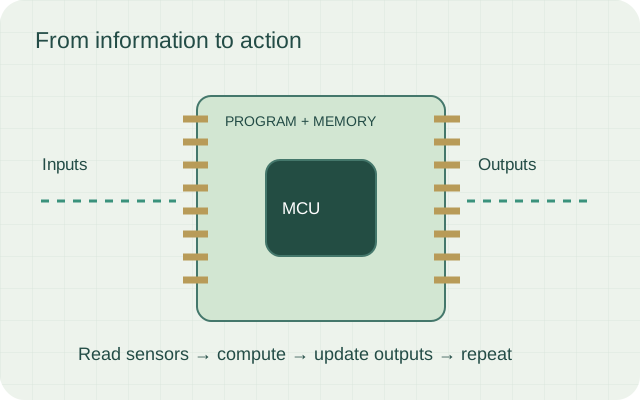
Compare current microcontrollers and hybrid boards by timing, interfaces, connectivity, and the work your robot needs to do.
Explore lesson ↗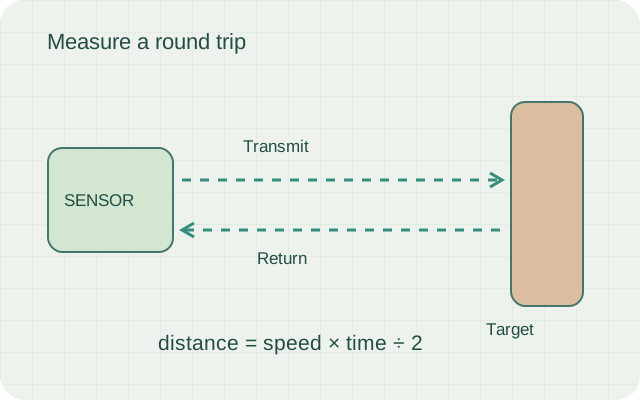
Distance, motion, position, and vision sensors turn physical events into useful measurements. Learn what each can tell you—and what it cannot.
Explore lesson ↗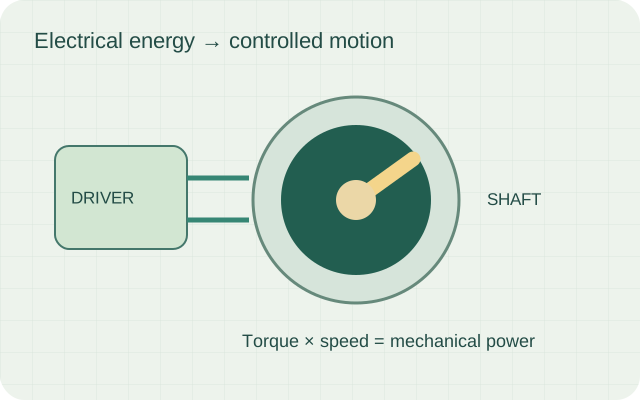
Match motors, servos, and linear actuators to the load. Understand torque, speed, current, feedback, and the driver between your code and the mechanism.
Explore lesson ↗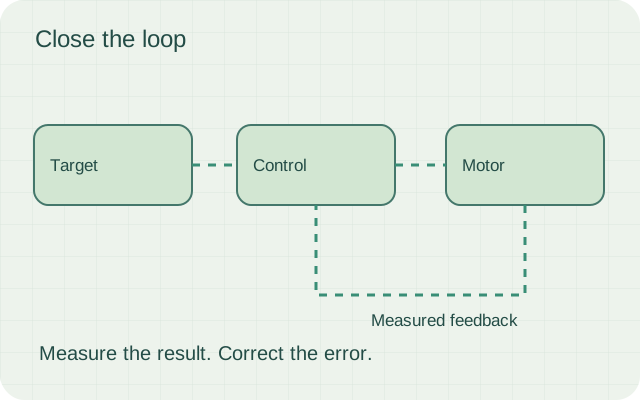
Learn error, feedback, proportional control, integral action, derivative damping, and the practical limits of a real robot.
Explore lesson ↗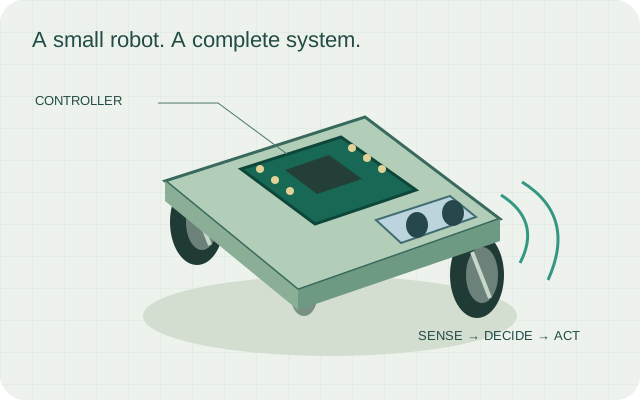
Relate left and right wheel speeds to forward velocity, turning rate, and the path a differential-drive robot follows.
Explore lesson ↗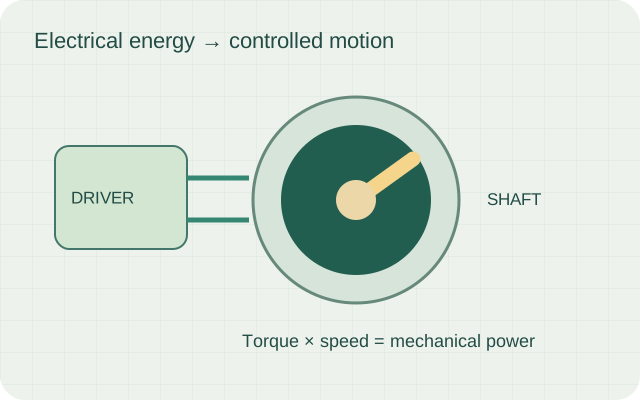
Explore joint space, tool space, gearing, inverse kinematics, and trajectory control in a robot arm.
Explore lesson ↗See how ROS 2 nodes, hardware interfaces, and local motor loops fit together in a robot you can inspect and debug.
Explore lesson ↗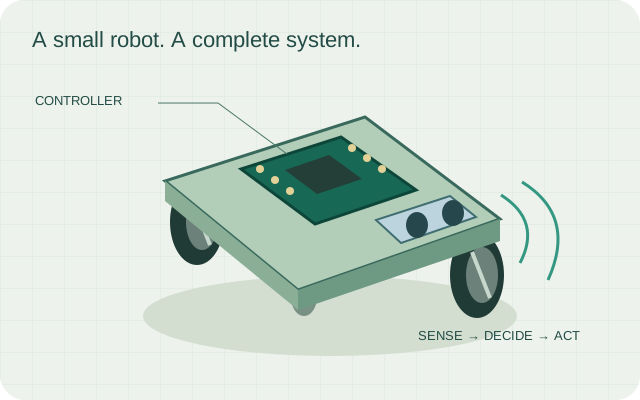
Connect controllers, sensors, actuators, and feedback in practical inspection, mobile robotics, automation, and assistive projects.
Explore lesson ↗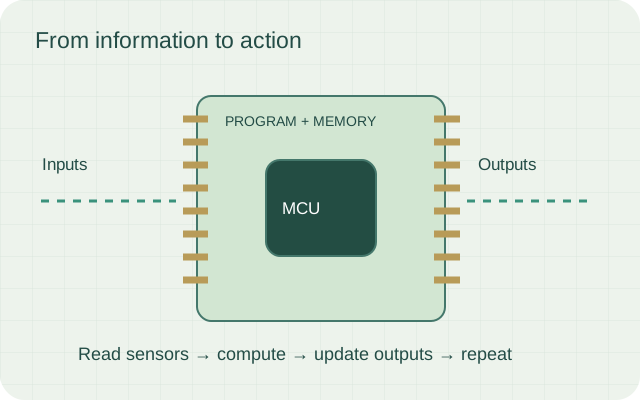
Control the robot from a phone using HC-05 and Arduino Nano serial commands.
Explore lesson ↗Arduino Nano, L293D, motors, HC-05, servo, ultrasonic, IR, RF, battery, and breadboard.
Explore lesson ↗Arduino is an open electronics platform that combines a microcontroller board, simple programming tools, and many input/output pins for learning and prototyping.
Explore lesson ↗Arduino controllers come in different sizes and capabilities. Uno is common for beginners, Nano is compact, Mega has many pins, and ESP-style boards add Wi-Fi or Bluetooth.
Explore lesson ↗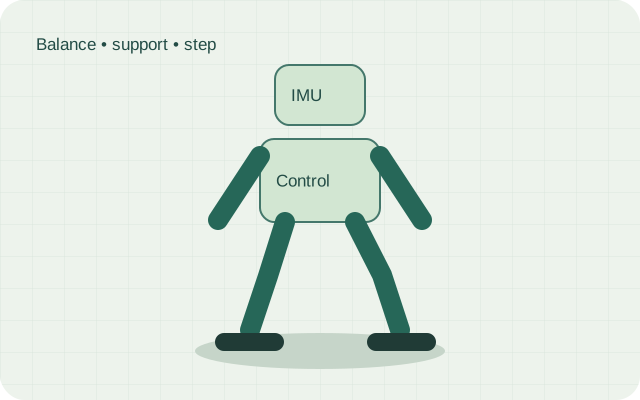
A bipedal robot walks on two legs. It must shift its center of mass, move joints in sequence, and keep balance while each foot alternates between support and swing.
Explore lesson ↗A Bluetooth serial module receives characters from a phone or computer and passes them to the microcontroller through serial pins. Many classroom kits use HC-05 or HC-06; if your board label says HC-04, verify its datasheet and pinout before wiring.
Explore lesson ↗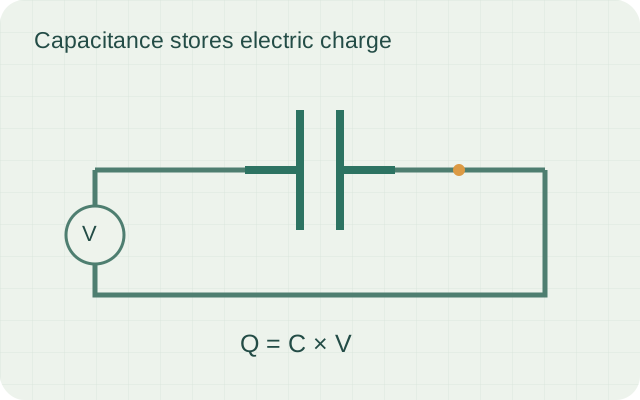
A capacitor stores charge on two plates separated by an insulator. It can smooth power, filter noise, and create timing delays.
Explore lesson ↗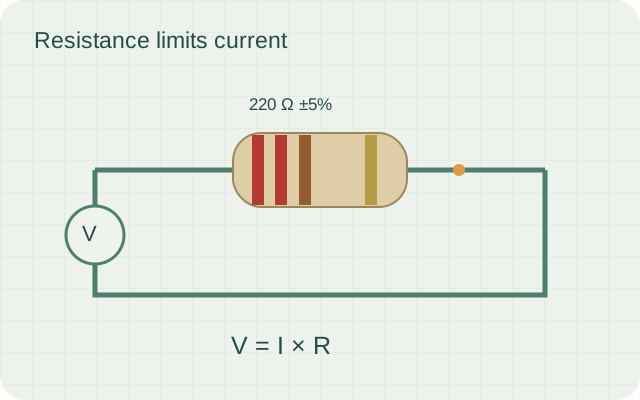
Resistor bands encode numbers. The first two bands are digits, the third is the multiplier, and the tolerance band gives allowed variation.
Explore lesson ↗A DC motor spins when current flows through coils inside a magnetic field. Reversing polarity reverses direction. Changing voltage or PWM duty cycle changes speed.
Explore lesson ↗A differential drive robot steers by changing the speed and direction of the left and right wheels. Equal speeds move straight, different speeds curve, and opposite directions spin in place.
Explore lesson ↗Separate interactive lessons for sensors, electronics, controllers, motors, and robot types. Each page has an animated diagram, working principle, and a small simulation for classroom use.
Explore lesson ↗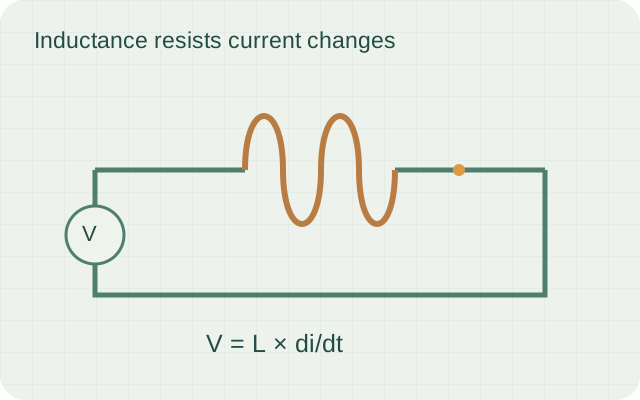
An inductor stores energy in a magnetic field when current flows. It resists sudden current changes and is used in filters, motors, relays, and power circuits.
Explore lesson ↗A microcontroller is a tiny computer on a chip. It has a processor, memory, timers, and input/output pins for controlling devices.
Explore lesson ↗A resistor limits current and creates voltage drops. Ohm's law says voltage equals current multiplied by resistance.
Explore lesson ↗A servo motor moves to a commanded angle using internal feedback. Micro servos are light and small; high-torque servos are stronger for arms, steering, and walking robots.
Explore lesson ↗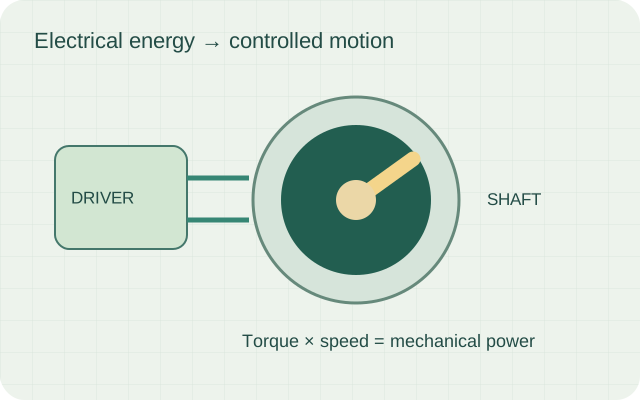
A stepper motor moves in small fixed steps. By energizing coils in sequence, the controller can position the shaft accurately without a feedback sensor for simple tasks.
Explore lesson ↗Robots are grouped by shape, movement, and job. A robot may be mobile, industrial, humanoid, medical, agricultural, underwater, aerial, or educational.
Explore lesson ↗An ultrasonic sensor sends a short sound pulse above human hearing range. The pulse reflects from an object and returns as an echo. The controller measures the time delay and converts it into distance.
Explore lesson ↗How this classroom robot connects to Mars rovers, warehouse robots, drones, and AI.
Explore lesson ↗Build one Arduino Nano robot base and transform it into many smart configurations.
Explore lesson ↗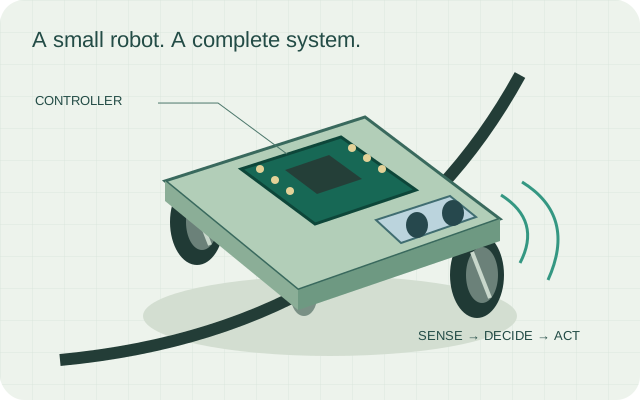
Follow black tape using two IR sensors and differential steering.
Explore lesson ↗Combine all modules into one switchable robot platform.
Explore lesson ↗Use ultrasonic distance sensing and a servo scan to make safe turns.
Explore lesson ↗Compare Bluetooth and RF control with a simple command receiver.
Explore lesson ↗The robot as a sense-think-act machine for young builders.
Explore lesson ↗Understand motion, power, sensors, signals, and decision loops before wiring.
Explore lesson ↗No lessons match. Try a different word or choose All.
Start with robotics basics, explore the Nano wiring guide, then try a rover configuration.
Open the Arduino workspace for the existing code library and compiler tools.
Explore the robotics workshop and enquire about a guided session.